Troubleshooting Kitchen IoT: Resetting Smart Sensors & Connectivity
Jun 30th 2026
Reading Time: 4 Minutes
At-A-Glance Summary
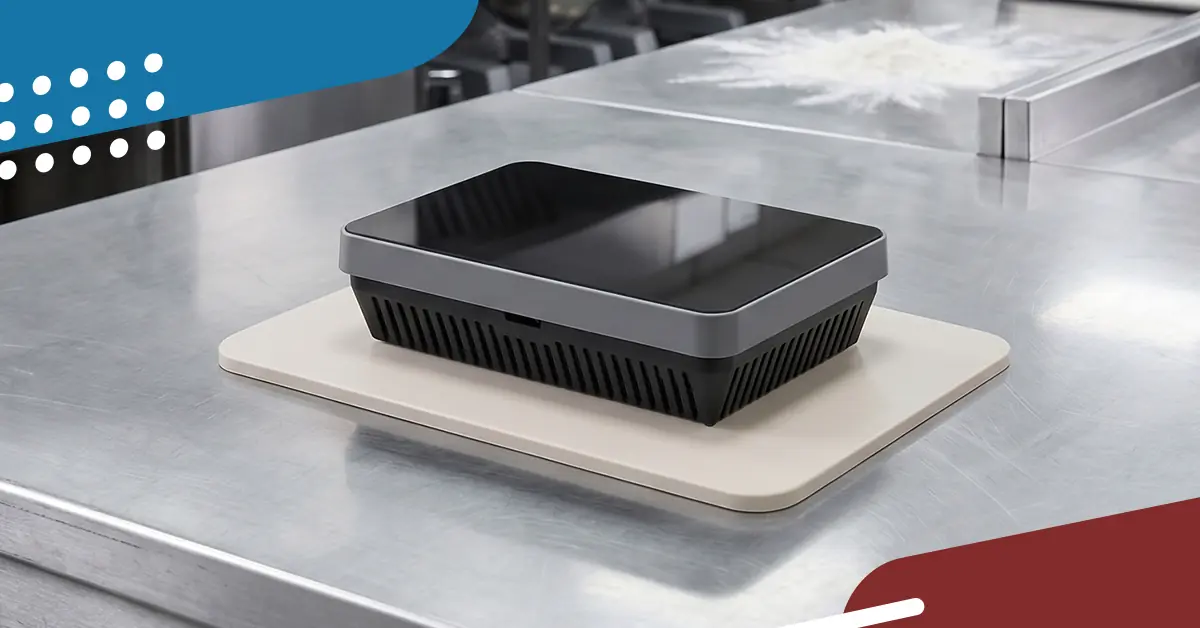
Kitchen IoT (Internet of Things) devices such as Bluetooth temperature probes, Wi-Fi-enabled walk-in sensors, and smart equipment gateways requently drop connectivity due to network interference, physical barriers, or corrupted device cache memory. A structured 4-step reset protocol (Power, Clear, Re-pair, and Relocate) resolves greater than 85% of standard kitchen smart-sensor connection failures. Keeping critical universal communication components on hand ensures smart kitchens experience zero data-logging blind spots.
Why Do Kitchen IoT Smart Sensors Lose Connection?
Kitchen IoT smart sensors lose connection primarily due to physical shielding, extreme environmental interference, and wireless channel crowding. Commercial kitchens are dense environments constructed almost entirely of heavy-gauge stainless steel and walk-in insulation panels, which act like a Faraday cage to wireless signals.
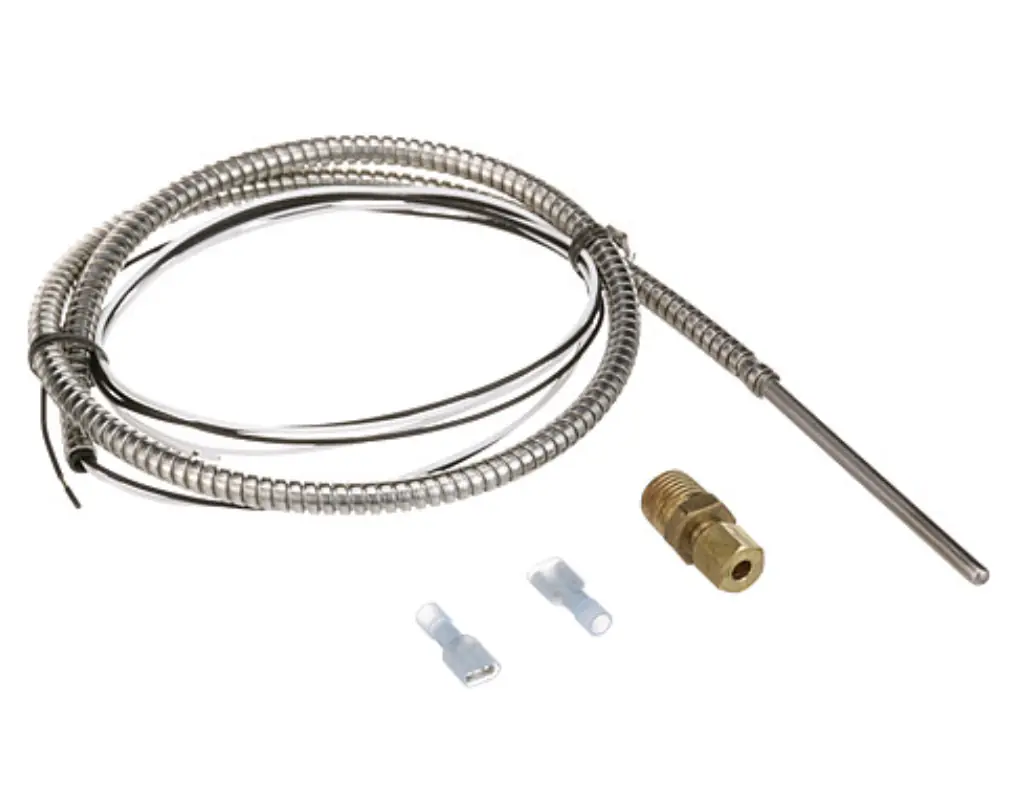
When smart sensors drop off the network, it creates an immediate compliance hazard for digital HACCP (Hazard Analysis Critical Control Point) data logging. If a digital monitoring system isn't reading correctly, it's often a failure of the hardwired probe itself. Check your hardware and source dependable replacement temperature probes to keep your logs active.
The three primary technical root causes include:
RF Attenuation (Signal Blocking): A Bluetooth Low Energy (BLE) or Wi-Fi sensor placed deep inside a dual-pan stainless steel holding cabinet or walk-in cooler struggles to penetrate the dense metal skin.
Corrupted Device State/Cache: Continuous data broadcasting can overwhelm a sensor's micro-controller flash memory over time, causing the device firmware to freeze or stop responding to network pings.
Ambient Thermal Stress: Extreme humidity and proximity to high-heat zones (like cooklines) degrade the performance of internal wireless antennas and internal lithium coin-cell batteries.
The 4-Step Network & Sensor Reset Protocol
When a smart sensor or gateway displays an "Offline" or "No Connection" error status on the kitchen's digital dashboard, technicians should execute this systematic troubleshooting sequence to restore data flow:
1. Power Cycle and Hard Cold Boot
Remove the sensor from its mounting bracket. Extract the internal battery (or disconnect the low-voltage DC power supply for hardwired gateways). Wait exactly 30 seconds to allow all internal capacitors to discharge fully, then reinsert a tested, high-capacity battery. This clears the device's volatile cache memory and forces a clean firmware boot.

2. Perform a Factory Hardware Reset
Locate the pinhole reset button or designated capacitive touchpads on the sensor casing. Using a fine-tipped tool, press and hold the hardware reset button for the manufacturer-specified duration (typically 5 to 10 seconds) until the status LED flashes a diagnostic color pattern (often amber or red). This clears old network SSID credentials and encryption keys.
3. Clear Local Wireless Pairing Cache
Navigate to the kitchen's local gateway hub or tablet application interface. Select the offline device ID and execute a "Forget Device" command. Re-open the pairing utility, scan for nearby broadcasting hardware, and initiate a fresh handshake connection. Input the network security protocols from scratch.
4. Optimize Spatial Line-of-Sight
If the device pairs successfully outside the equipment but drops connection once reinstalled, the issue is structural attenuation. Relocate the sensor or its external antenna extension so it avoids direct metal blockages, or install a local wireless mesh repeater within 15 to 20 feet of the cooking or refrigeration line.
Component Sourcing and System Longevity
To maintain high uptime across smart commercial kitchens, procurement teams should follow a standardized component and hardware strategy:
| IoT Failure Mode | Diagnostic Indicator | Corrective Hardware Action |
|---|---|---|
| Premature Battery Drain | Low-voltage alert or intermittent signal dropping every few minutes. | Replace standard consumer-grade cells with high-temp industrial lithium-ion batteries. |
| Antenna Failure | Gateway reads "No Signal" even when the sensor is brought in close proximity. | Swap out damaged physical antennas with universal high-gain dipole replacements. |
| Enclosure Cracking | Moisture or grease ingress inside the sensor housing causing board corrosion. | Replace damaged brackets and casings with heavy-duty IP67-rated waterproof enclosures. |
Frequently Asked Questions (FAQs)
What is the difference between Bluetooth (BLE) and Wi-Fi kitchen sensors?
Bluetooth Low Energy (BLE) sensors transmit short-range data to a central local gateway hub located within the kitchen, using very little battery power. Wi-Fi sensors connect directly to the facility's wireless router to stream data straight to the cloud. BLE sensors handle high-density equipment tracking better because they bypass local router traffic limits, but they require a functioning local gateway to upload data.
Can kitchen microwave ovens cause smart sensors to disconnect?
Yes. Commercial microwave ovens operate on the 2.4 GHz radio frequency spectrum. Standard Wi-Fi (802.11b/g/n) and Bluetooth networks share this exact same 2.4 GHz band. When a high-powered commercial microwave runs, it can create intense radio frequency interference (RFI) that temporarily knocks nearby smart sensors or gateway hubs offline. Moving wireless equipment to the 5 GHz band or shifting gateway placement resolves this issue.

Should I source OEM or OCM components for smart kitchen connectivity?
For proprietary data sensors attached directly to a specific cooking computer, branded OEM parts are required to maintain factory integration. However, for universal connectivity components such as low-voltage power adapters, high-gain antennas, mounting hardware, and standard electrical wiring components, sourcing directly from an Original Component Manufacturer (OCM) network provides the identical technical specifications and material ratings for an average of 15% less cost.