The Hobart "E-Series" Guide: Resolving E2, E3, and E5 Drain Failures
May 22nd 2026
Reading Time: 4 Minutes
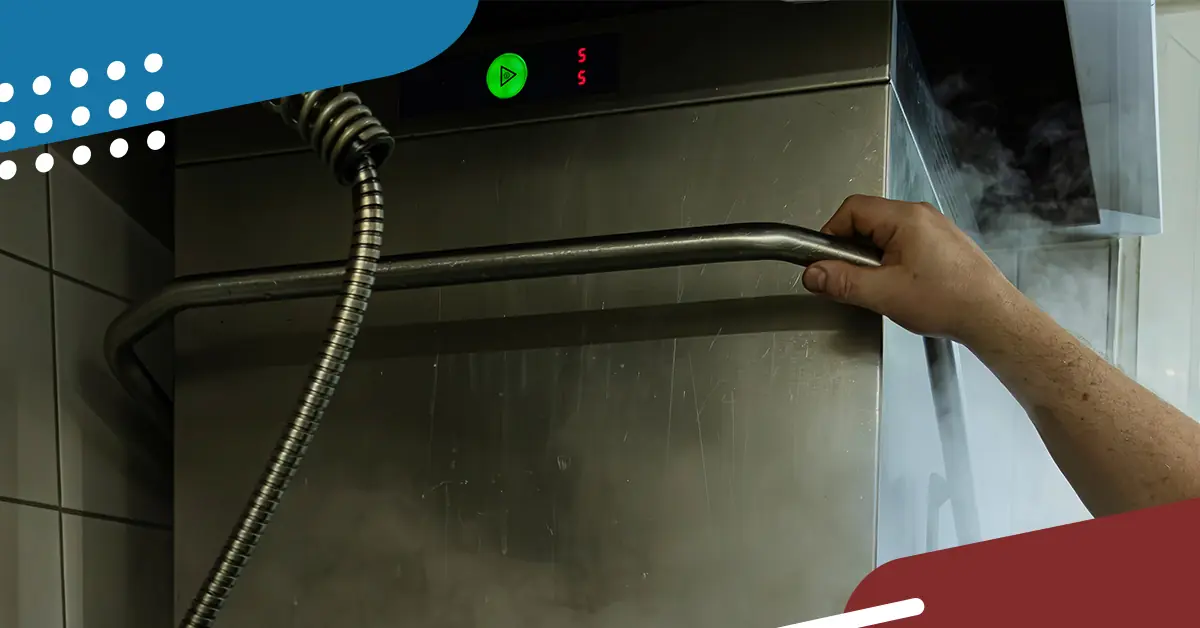
When a Hobart dishwasher throws an E2, E3, or E5 code, the dish pit comes to a standstill. These specific E-series errors all point to a failure in the machine's water management and drain cycle.
As the responding technician, your job is to quickly isolate whether you are dealing with a mechanical blockage, a failed sensor, or a dead solenoid without getting soaked in the process. Here is how to diagnose the root cause of these common Hobart drain codes.
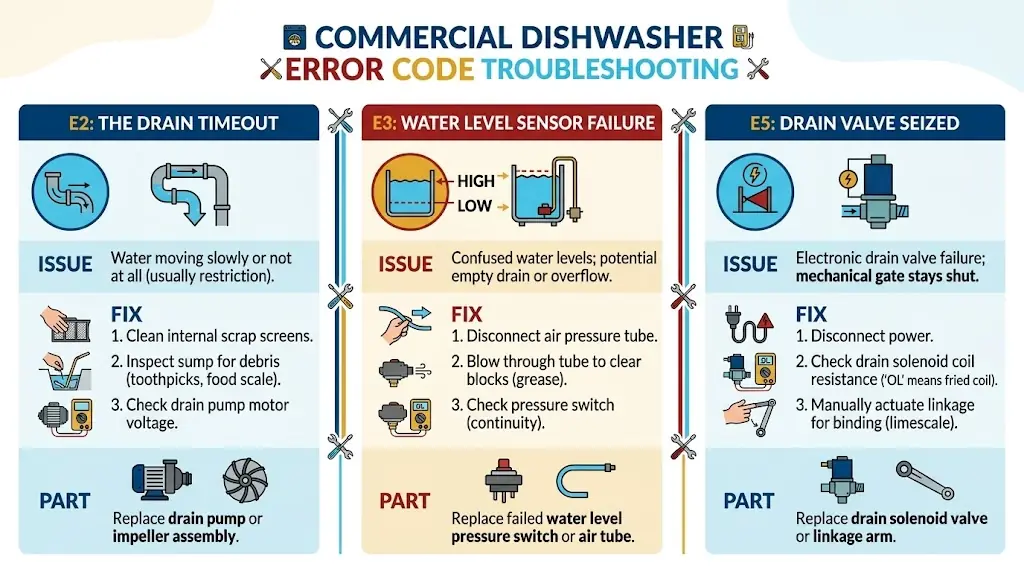
E2: The Drain Timeout
An E2 code typically triggers when the machine's control board does not see the water level drop within the pre-programmed timeframe during a drain cycle.
- The Issue: The water is moving too slowly, or not at all. This is usually caused by a physical restriction rather than an electrical failure.
- The Fix: Pull the internal scrap screens and visually inspect the sump for debris like toothpicks, straws, or heavy food scale. If the sump is clear, verify the drain pump motor is receiving voltage during the cycle.
- The Part: If the motor has power but won't turn, you need a replacement drain pump or impeller assembly.
E3: Water Level Sensor Failure
The E3 code means the machine is confused about how much water is actually in the tank. It might try to drain an empty tank or overflow a full one.
- The Issue: Hobart machines use an air pressure tube connected to a pressure switch to monitor water levels. If this tube gets clogged with grease, the switch cannot read the pressure change.
- The Fix: Disconnect the air pressure tube from the switch and blow through it to clear any blockages. If the tube is clear, use your multimeter to check the pressure switch for continuity.
- The Part: A failed water level pressure switch or a cracked air tube.
E5: Drain Valve Seized
An E5 code specifically points to a failure in the electronic drain valve actuation. The board is sending the signal to dump the water, but the mechanical gate is staying shut.
- The Issue: The drain solenoid has either burnt out electrically or is mechanically seized shut due to heavy limescale buildup on the linkage.
- The Fix: Disconnect power and check the drain solenoid coil for resistance. An "OL" (Open Loop) reading means the internal coil is fried. If the coil is good, manually actuate the valve linkage to check for mechanical binding.
- The Part: A replacement drain solenoid valve or linkage arm.
The "First-Time Fix" Sourcing Strategy
Hobart builds incredible machines, but their OEM replacement parts carry a premium price tag. When you diagnose a fried solenoid or a dead pressure switch, you need an alternative that protects your margin without sacrificing reliability.
This is where standardizing on AllPoints Original Component Manufacturer (OCM) parts pays off. You get the exact same electrical ratings and mechanical fit as the OEM-branded box, but you save an average of 15% on the part.

Tech Tip:
Don't waste time on hold with the office trying to cross-reference a Hobart part number. Pull up the mobile version of AllPointsFPS.com right there in the pit. You can enter the OEM number, instantly verify the AllPoints OCM equivalent, and check live stock to ensure you can fix the machine today.