How to Use a "Shared Carts" list to Re-Order in Seconds
Jan 29th 2026
Reading Time: 3 Minutes

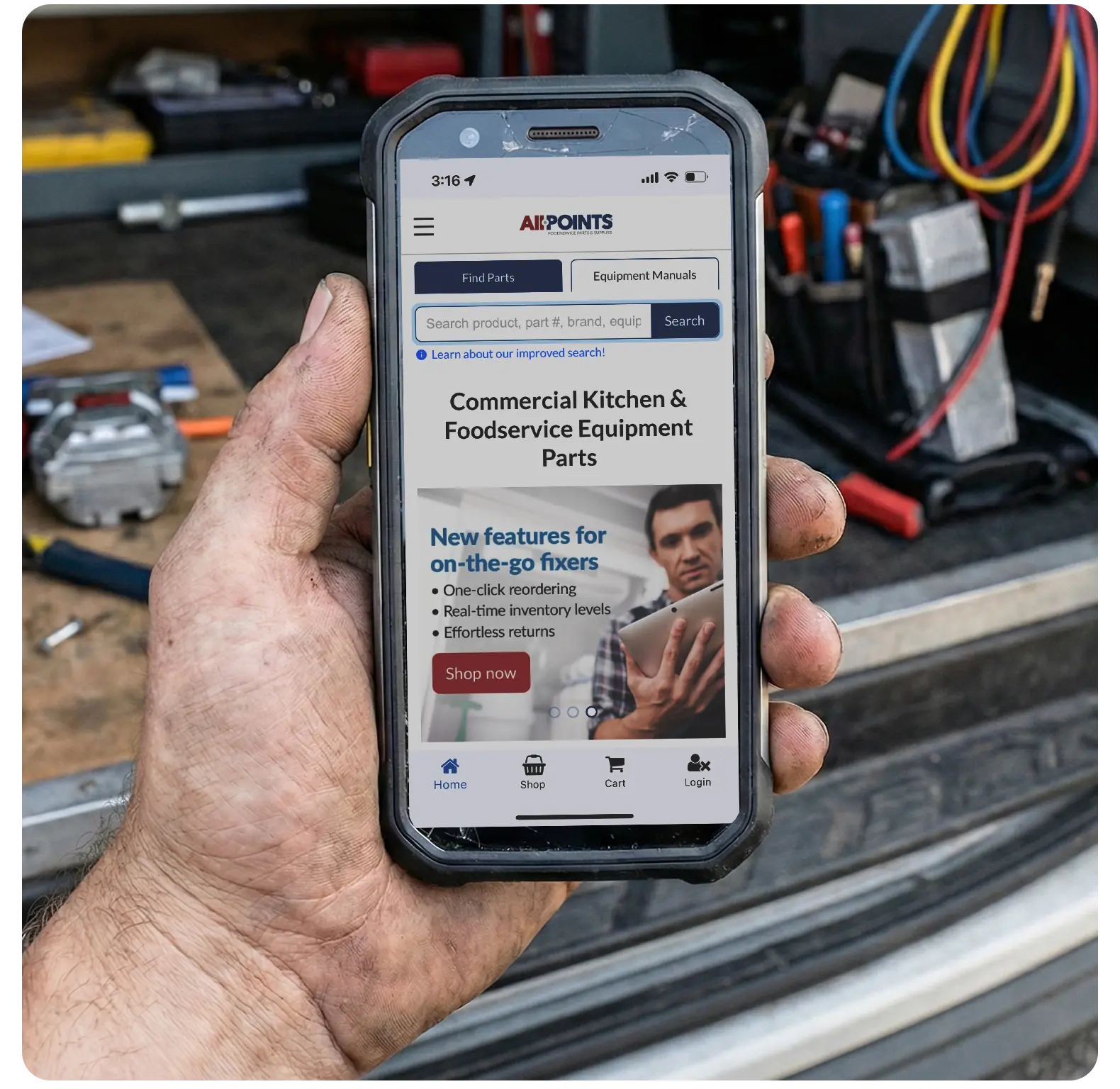
If you are managing the procurement for a service fleet or a large facility, your biggest enemy isn't the price of a part. It’s time.
Searching for the same common gaskets, igniters, and filters every two weeks is a research drain that keeps you from tackling higher-level inventory challenges. At AllPoints, we built the "Shared Carts" tool specifically to solve this problem. It transforms a 15-minute search-and-add process into a 1-click re-order.
Here is how to set up your digital stockroom and get those orders off your desk in record time.
Step 1: Create Your "Digital Truck Stock"
Think of a "Shared Carts" list as a saved folder for specific jobs or trucks. Instead of one giant list, we recommend creating lists based on how you actually work:
- Truck Stock: High-volume "truck stock" essentials (fuses, thermocouples, tape).
- PM Kits: All the filters and belts needed for a specific quarterly maintenance contract.
- Monthly Replenishment: The parts you know you’ll need to restock at the first of every month.
Step 2: Adding Parts
When you are on a product page for a part you order frequently, look for the "Add to Shared Cart" button.
- You can select an existing list or create a new one (e.g., "Southside High School Dishwasher Parts").
- Pro Tip: Don't forget to check for the OCM equivalent while you're there. Saving the OCM version to your list ensures you get the best price and highest availability every time you re-order.
Step 3: The Quick Order
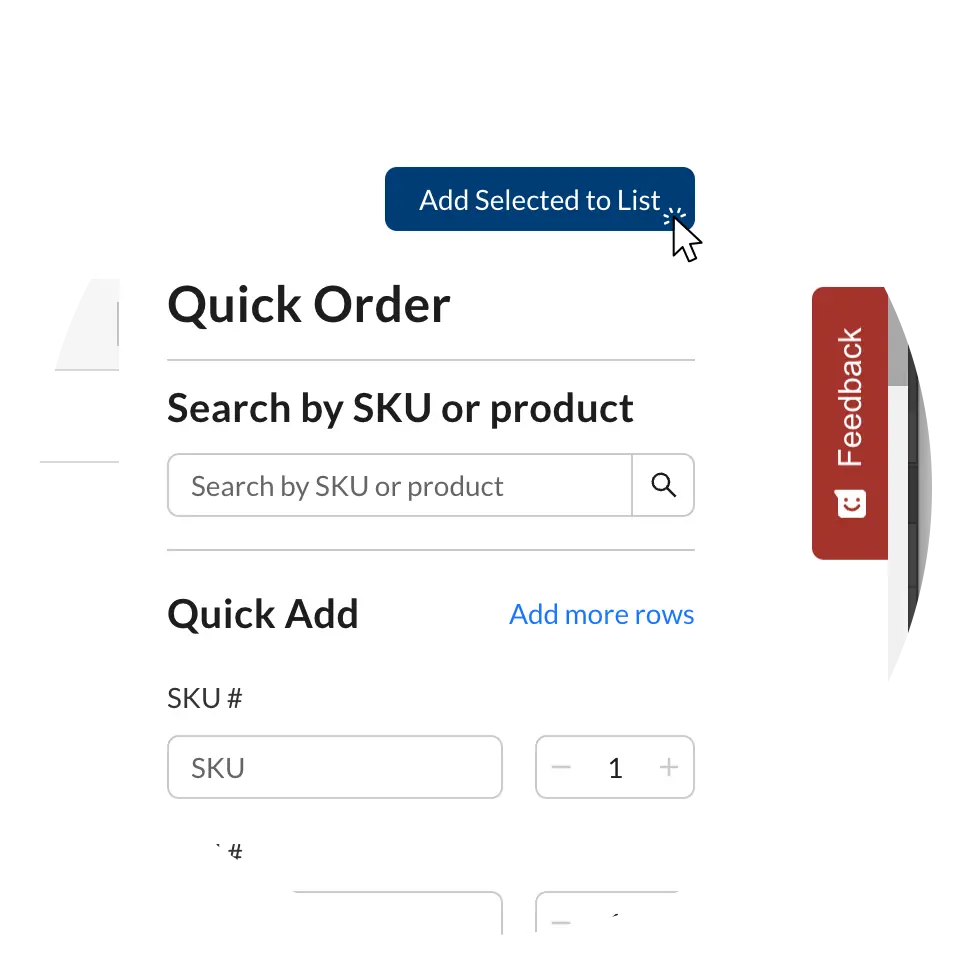
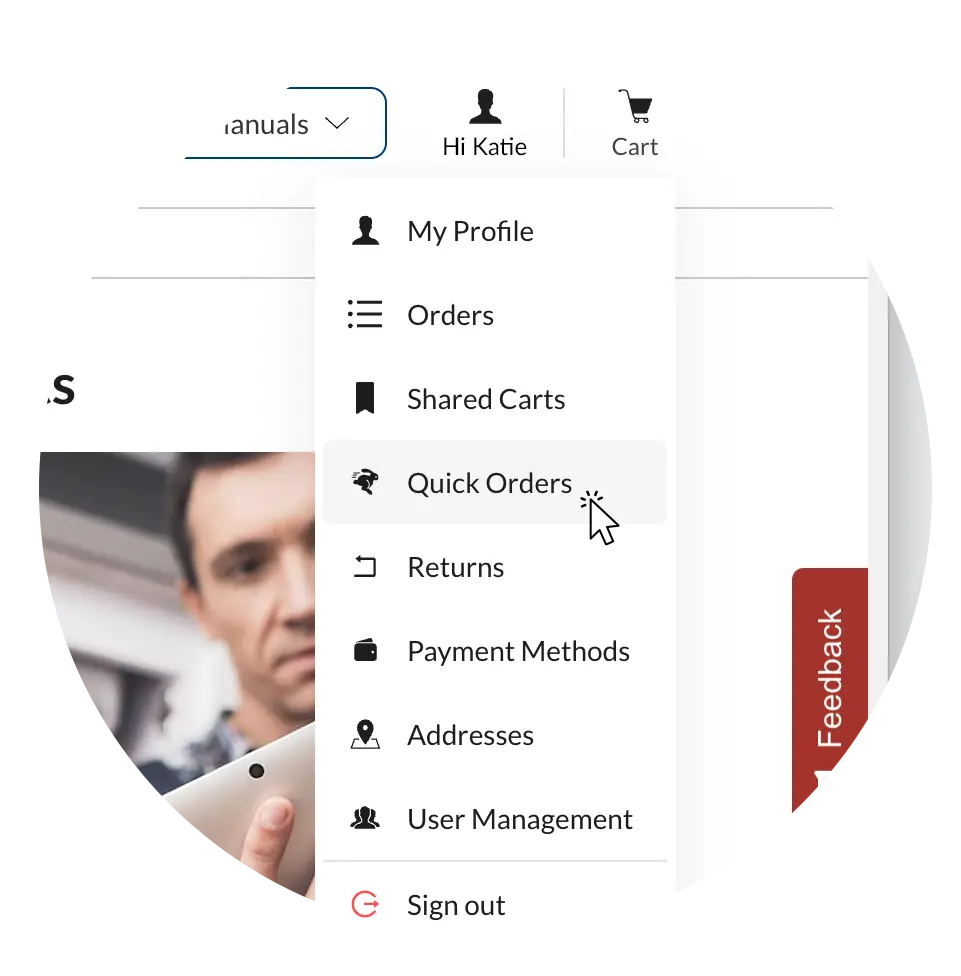
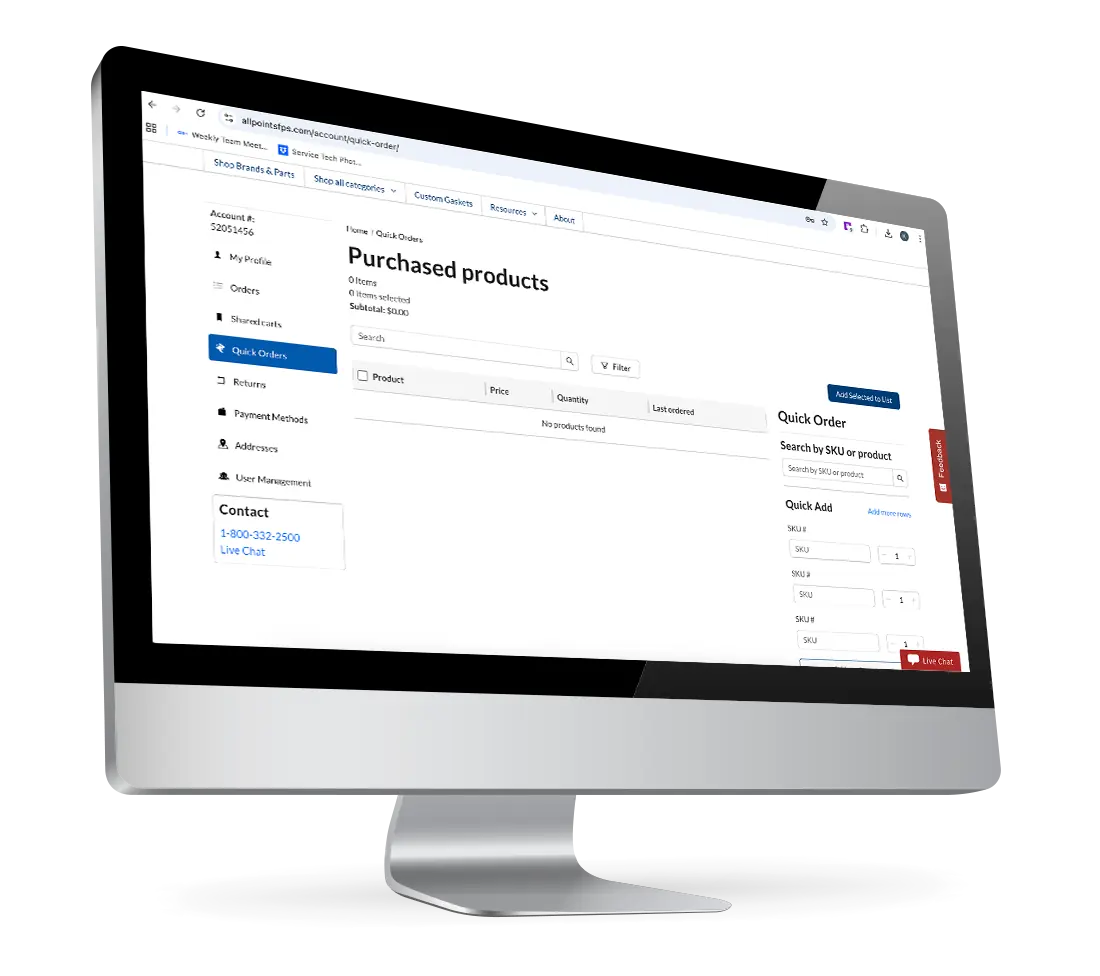
When it’s time to restock, you don’t need to search by SKU, part number, or model number .
- Log in to your account at AllPointsFPS.com.
- Navigate to "My Account" and select "Quick Orders."
- Select the parts you want to re-order, and then click "Add selected to cart."
- Checkout.
How This Helps Parts Purchasers
- Eliminate Errors: You don't have to worry about typos in a part number or ordering the wrong voltage because you were in a rush. The "vetted" part is already in your list.
- Onboarding Help: If you have a new assistant or junior buyer, you can share these lists to ensure they are ordering exactly what the technicians expect.
- Speed: By cutting out the search phase, you can handle a higher volume of orders without increasing your workload.
Faster Ordering
Your time is too valuable to spend on repetitive searches. Log in today, start your first "Shared Carts" list, and experience the fastest checkout in the industry.
Ready to build your list?
Log in to your AllPoints account now and start saving your high-volume essentials.