How to Fix a Commercial Dishwasher That Won't Drain
Dec 10th 2025
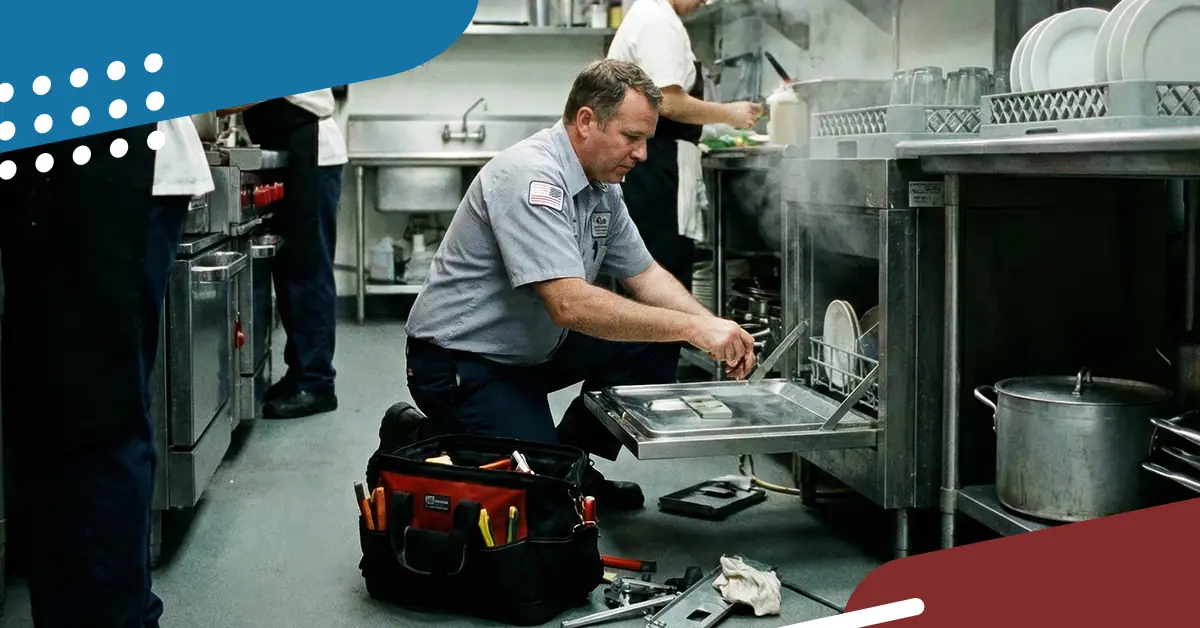
In a commercial kitchen, a dishwasher that won't drain is a health code violation for restaurants and a headache for technicians. When you arrive on-site and see standing water in the bottom of a Hobart, Jackson, or CMA unit, the pressure is on to clear it before the dinner rush.
While every model has its own quirks, drainage issues usually stem from one of six culprits: obstructions, solenoid failure, drain actuators, springs, motor issues, or the timer/control board.
Here is your step-by-step checklist to isolate the problem and get the unit cycling again.

Step 1: The Physical Check
Before you break out the multimeter, rule out the obvious physical obstructions. 90% of "won't drain" calls are caused by debris rather than component failures.
Check the Scrap Screens, Sump Housing, and Filter Pans. Kitchen staff are notorious for bypassing the pre-rinse sprayer. If the scrap baskets are overflowing, food soil may have worked its way past the primary filters and clogged the intake.
- Action: Manually bail out the water. Remove the scrap screens and check the sump intake area. Look specifically for lemon seeds, broken glass, or plastic stirrers that might be wedged in the drain opening.
Inspect the Drain Hose and Air Gap. If the unit was recently moved for cleaning, the drain hose might be kinked or pinched against the wall.
- Action: Verify the hose has a clear path to the floor drain or wall drain. If the installation uses an air gap (common in high-temp units), ensure the gap isn't clogged with buildup.
Step 2: Component Diagnostics
If the line is clear and the filters are clean, you are likely looking at a mechanical or electrical failure. Ensure power is disconnected/LOTO before testing components.
Test the Drain Solenoid Valve. Many commercial units use a gravity drain system controlled by a solenoid valve. If the solenoid fails, the plunger won't lift to open the drain, or it might get stuck in the closed position due to lime buildup.

Getty Images
- Troubleshooting:
- Mechanical Check: Manually move the plunger. Does it move freely? If it feels gritty or stuck, it’s likely calcified. You can try descaling it, but a replacement is usually the long-term fix. Be sure to also check for broken springs or actuators.
- Electrical Check: Use your multimeter to check the solenoid coil for continuity. If the circuit is open (infinite resistance), the coil or valve assembly needs to be replaced.

Check the Drain Pump / Motor Impeller.
On pumped-drain units (common in undercounter models), the impeller is the weak point.
- Troubleshooting: Listen to the machine during the drain cycle.
- Humming sound: The motor is getting power but is locked up. Turn off the dishwasher to prevent a burned motor. There is likely a foreign object (glass, bone, twist tie) jammed in the impeller. Clear it and test again.
- Silence: The motor isn't getting voltage. Trace back to the door switch or timer.
- Grinding noise: The impeller blades are likely stripped or broken. You will need to replace the pump assembly.
Verify the Door Switch. This is the "gotcha" that tricks even experienced techs. If the door switch alignment is slightly off or the switch has failed, the machine may think the door is open. Most units will not initiate a drain cycle if the safety interlock is open.
- Action: Check continuity on the door switch/interlock. If it’s reading open when the door is latched, bypass it temporarily to test. If the unit drains, replace the switch.
The "First-Time Fix" Parts List
If you identify a bad component, you don't have time to wait for a backorder. Here are the most common parts needed for this repair, available in both OEM and Mavrik™ (OCM) options for same-day shipping.
- Drain Solenoid Valves
- Symptom: Water won't leave the tank; coil reads open.
- Recommendation: This is a high-wear item. We recommend keeping a universal or popular model-specific Mavrik valve in your truck stock. Shop Drain Solenoids

- Drain Pump Motors
- Symptom: Motor hums but won't turn, or impeller is stripped.
- Recommendation: Always check the voltage rating (115V vs 230V) before ordering. Shop Drain Pumps
- Door Safety Switches
- Symptom: Unit is unresponsive; no drain, no fill.
- Recommendation: These are inexpensive and small. Keep a handful of common magnetic and mechanical switches on hand to save a return trip. Shop Door Switches
Summary
Don't overcomplicate a drainage issue. Start with the "stupid stuff" (clogs and kinks). If the water path is clear, check the solenoid and the pump. And remember, if you need to replace a part, verify the model number on the data plate.

Need a schematic to locate the drain solenoid?
Use the AllPoints mobile app to pull up exploded view diagrams for over 400 manufacturers while you're standing in front of the machine.