How To Use AllPointsFPS.com On Your Phone
Feb 19th 2026
Reading Time: 3 Minutes
When a technician is looking at a fryer and decides they need a gas valve, they call you. You ask for the model number, and they give you a partial number because the data plate is burned or covered in grease. You search three different websites. You order what looks like the right valve.
Three days later, the part arrives, and it’s wrong. The technician has to go back, and the customer is angry. Now you have to process a return.
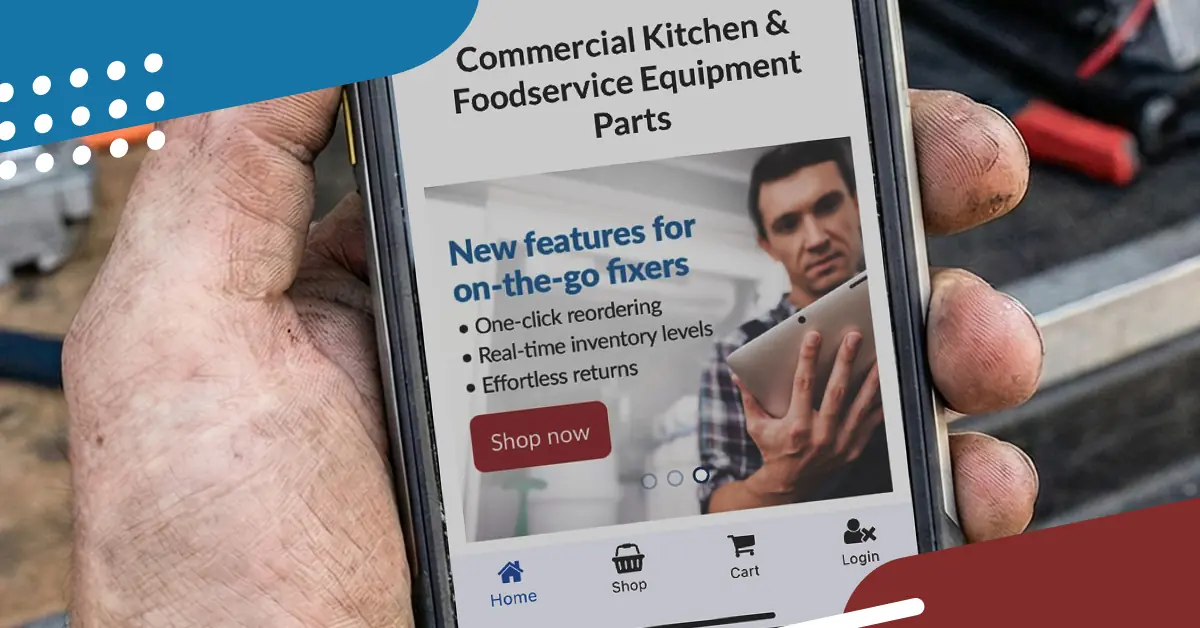
This cycle of "guess-and-check" is the enemy of profitability. The mobile version of AllPointsFPS.com was built to stop it.
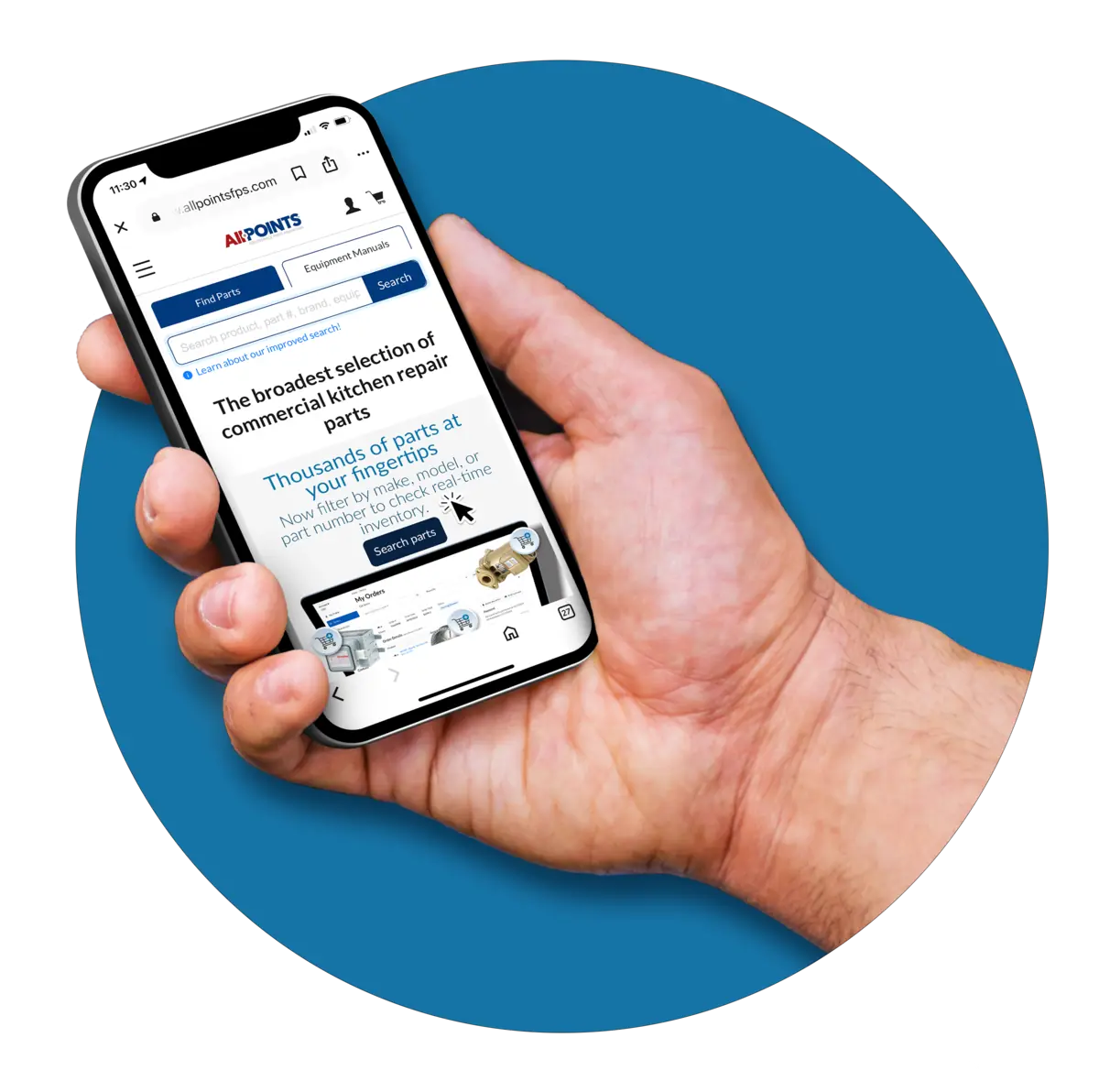
Here is how your team can use the mobile-optimized version of AllPointsFPS.com to turn a 30-minute research project into a 30-second confirmation.
1. The "Smart Search" Advantage
The #1 cause of wrong parts is a typo in the model number. "14" becomes "14A," and suddenly you have a completely different voltage.
- The Feature: AllPointsFPS.com allows for instant Model & Serial Number Lookup.
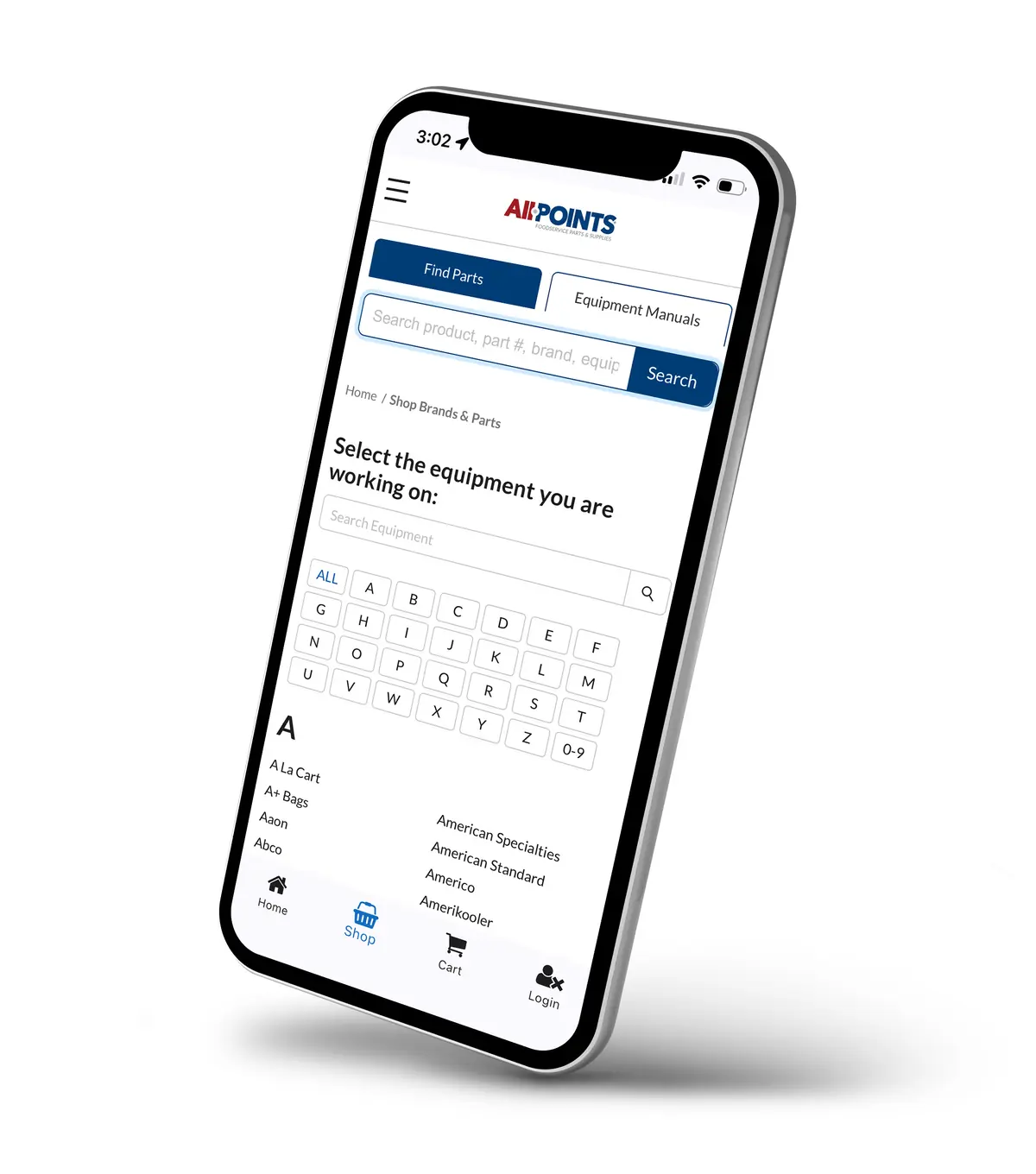
- The Fix: Instead of guessing, your tech types the partial model number directly into AllPointsFPS.com on their phone. The search tool suggests likely matches and instantly pulls up the equipment details. They can verify the voltage, phase, and gas type right there at the unit.
2. Digital Schematics in Your Pocket
Technicians often rely on paper manuals that are torn, stained, or missing entirely.
- The Feature: AllPointsFPS.com provides instant access to thousands of Product Manuals and Exploded View Diagrams right on your phone.
- Search the Equipment Model.
- Tap "Documents" to view the manufacturer's manual.
- Scroll to the exploded view diagram.
- Visually match the part in their hand to the diagram to confirm the exact reference number.
- The Result: Zero ambiguity. You are ordering the exact part the manufacturer specified.
3. The "Cross-Reference" Tool
This is your secret weapon for backorders.
- The Scenario: AllPointsFPS.com shows the OEM valve is "Out of Stock" or has a long lead time.
- The Fix: The mobile site automatically displays the OCM Equivalent right next to the OEM part.
- The Action: With one tap, you can verify the OCM part is in stock, confirm it matches the specs, and see your cost savings. You save the sale and the repair timeline in seconds.
4. Sync with the Office
The mobile version of our site isn't just for the field; it connects to your purchasing workflow.
- The Feature: Your account data and "My Parts Lists" sync between the mobile and the desktop site.
- The Fix: A tech can create a Shared Carts list called "Joe's Diner - Fryer Repair" on site and add the verified parts. You, back at the office, can log in, open that same list, review the pricing/margin, and click "Place Order." That's it — no phone tag required.
Stop the Research Drain
Empower your technicians to be their own researchers. When they have the manuals and the cross-reference tool in their pocket, they order with confidence, and you spend less time processing returns.
Try the mobile version of AllPointsFPS.com today and put the industry’s best data in the palm of your hand.